Integrations
How Slack, GitHub, Linear, and inbound automations start and continue OpenInspect sessions, and the rules they all share.
OpenInspect sessions can be started from Slack, from a GitHub pull request, from a Linear issue, or by an automation, and every one of them is the same kind of session you would start from the web app.
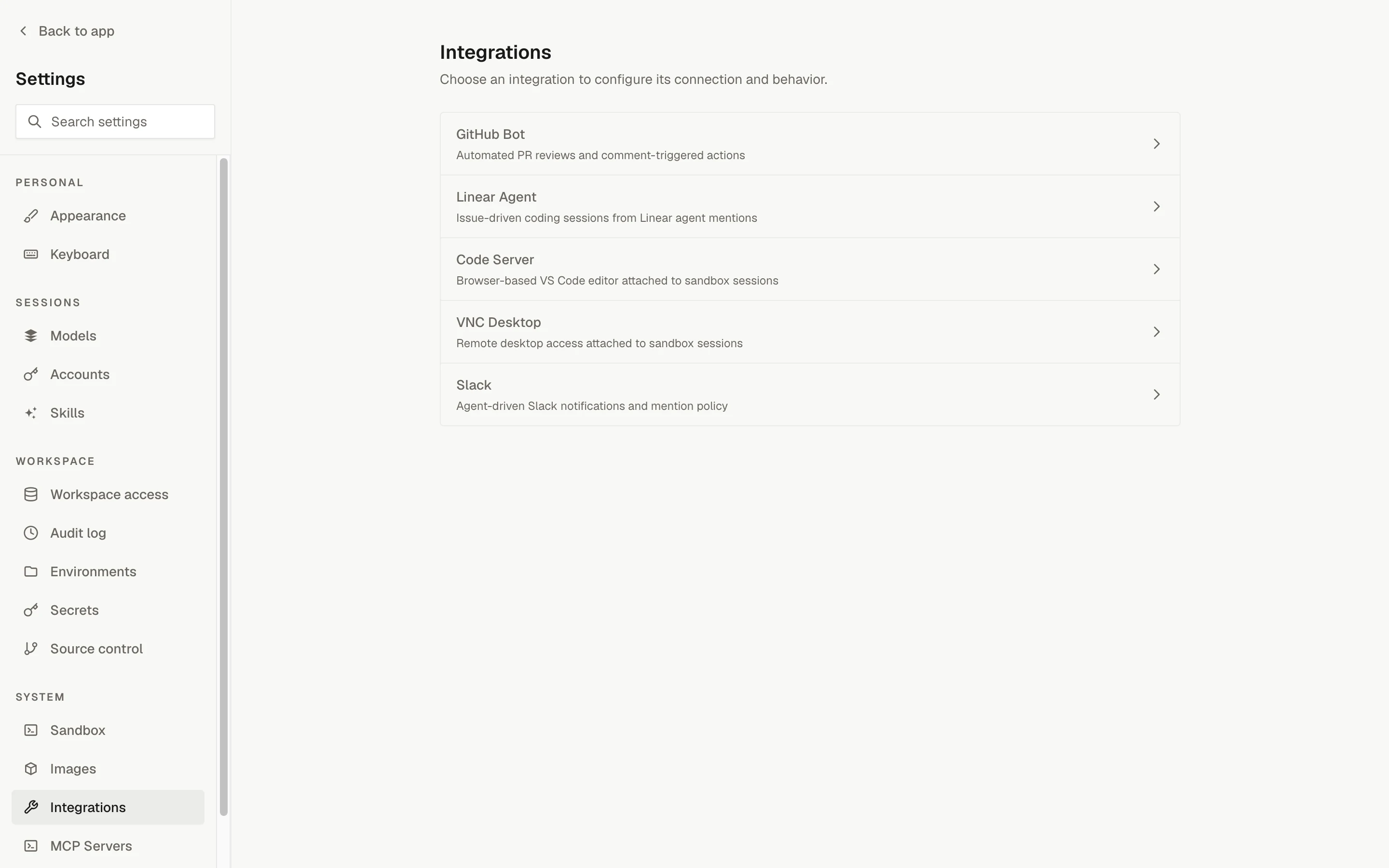
The Code Server and VNC Desktop entries on the same list are not chat integrations: they turn on the in-browser editor and remote desktop inside sessions. See Sandbox tools for using them and Sandbox settings for their ports and scopes.
Choose an entry point
| Integration | Start work | Continue | Where results appear | Authorization |
|---|---|---|---|---|
| Slack | @mention the bot in a channel, or send it a DM | Reply in the same Slack thread (the mapping lasts about 7 days) | A completion reply in the thread with a View Session button; full output in the web session | Deployment-level repository access through the GitHub App installation; the bot only works in channels it was invited to |
| GitHub | Open a non-draft pull request (auto-review), or @mention it in a PR comment or review thread | Not by comment: every accepted webhook starts a new session. PR Feedback Autofix can resume the session that created a PR | A review, review-thread replies, or a PR comment, all written by the agent; an eyes reaction confirms acceptance | GitHub App installation plus Repository Scope and Allowed Trigger Users (write, maintain, or admin access by default) |
| Linear | @mention or assign the Linear Agent on an issue | Follow-ups through the same active Linear Agent session | Linear activities with View Session and Pull Request links | Repository Scope in Linear settings; repository access comes from the source-control integration, not from Linear |
| Inbound webhooks and automations | A schedule, an inbound webhook, a GitHub event, a matching Slack channel message, or a Sentry alert fires an automation | Slack message automations continue in the triggering thread for 7 days; other triggers start a run per event | The session in the web app; Slack message automations also post into the triggering thread | The automation's own conditions (for example a Slack User allowlist) and the same repository boundary as everything else |
There are no slash commands in Slack or GitHub, and there is no browser extension. Slack requests in channels need an @mention, and GitHub requests need the bot's full username including [bot].
Rules every integration shares
| Rule | What it means | What to do |
|---|---|---|
| Installation scope is the access boundary | Integrations see the repositories the configured GitHub App installation can reach, not a per-user list. | Install the GitHub App only on the intended repositories. Narrow GitHub and Linear further with their Repository Scope setting; limit Slack by inviting the bot only to trusted channels. |
| Trigger gates decide who can start work | GitHub checks repository permission (or an explicit user list). Slack and Linear rely on channel membership and workspace access. Integrations act on behalf of a workspace user and are limited by that user's current role and by a fixed set of allowed operations, so a suspended user cannot start work through a bot and an Owner cannot administer the workspace through one. | Manage who can trigger work through each integration's trigger settings and through workspace access. |
| External text is marked untrusted | The text that invokes the bot is the request and the agent acts on it: the Slack message or forwarded message, the GitHub comment that mentions the bot, or the Linear issue. Surrounding context, such as earlier thread messages and PR titles and descriptions, is passed as background and wrapped as untrusted input. See Security. | Do not put secrets in issues, comments, or Slack messages: their text reaches the agent. |
| The web session is the source of truth | Slack, GitHub, and Linear show acknowledgements, short completion summaries, and links. Live output, tool calls, file changes, artifacts, and the option to take over live in the session page. | Open the session in the web app to follow progress or step in. |
| Harness depends on the entry point | Slack, GitHub, and Linear sessions run on the OpenCode harness. Automations run on the harness chosen on the automation. | To run on Claude Agent from a trigger, use an automation and pick the harness in its editor. |
Guides
Slack
Start from a channel or DM, pick a target, continue in the thread, and let agents post updates.
GitHub
Automatic PR reviews, @mention actions, PR Feedback Autofix, and the GitHub bot settings.
Linear
Mention or assign the Linear Agent on an issue and follow progress from Linear.
Inbound webhooks
Start sessions from any system that can send an HTTP request.
Next steps
Automation templates
Start an automation from a pre-filled template in the Templates gallery, then adjust the repository, model, and instructions before saving.
Slack
Start OpenInspect sessions from Slack channels and DMs, continue them in threads, set personal defaults in App Home, and let agents post updates.