MCP servers
Give agents extra tools by registering local or remote MCP servers, scoping them to repositories, and keeping local servers fast to start.
MCP servers add tools to the agent (a browser, a documentation index, an internal API) that OpenInspect starts or connects to inside each session.
Prerequisites
- The
mcp_servers.managepermission to add, edit, enable, disable, or delete servers. Users with onlymcp_servers.readcan view the list. - For repository-scoped servers, at least one connected repository. The form shows "No repositories available. Connect a GitHub integration first." otherwise; see GitHub.
Adding a server
Open the form
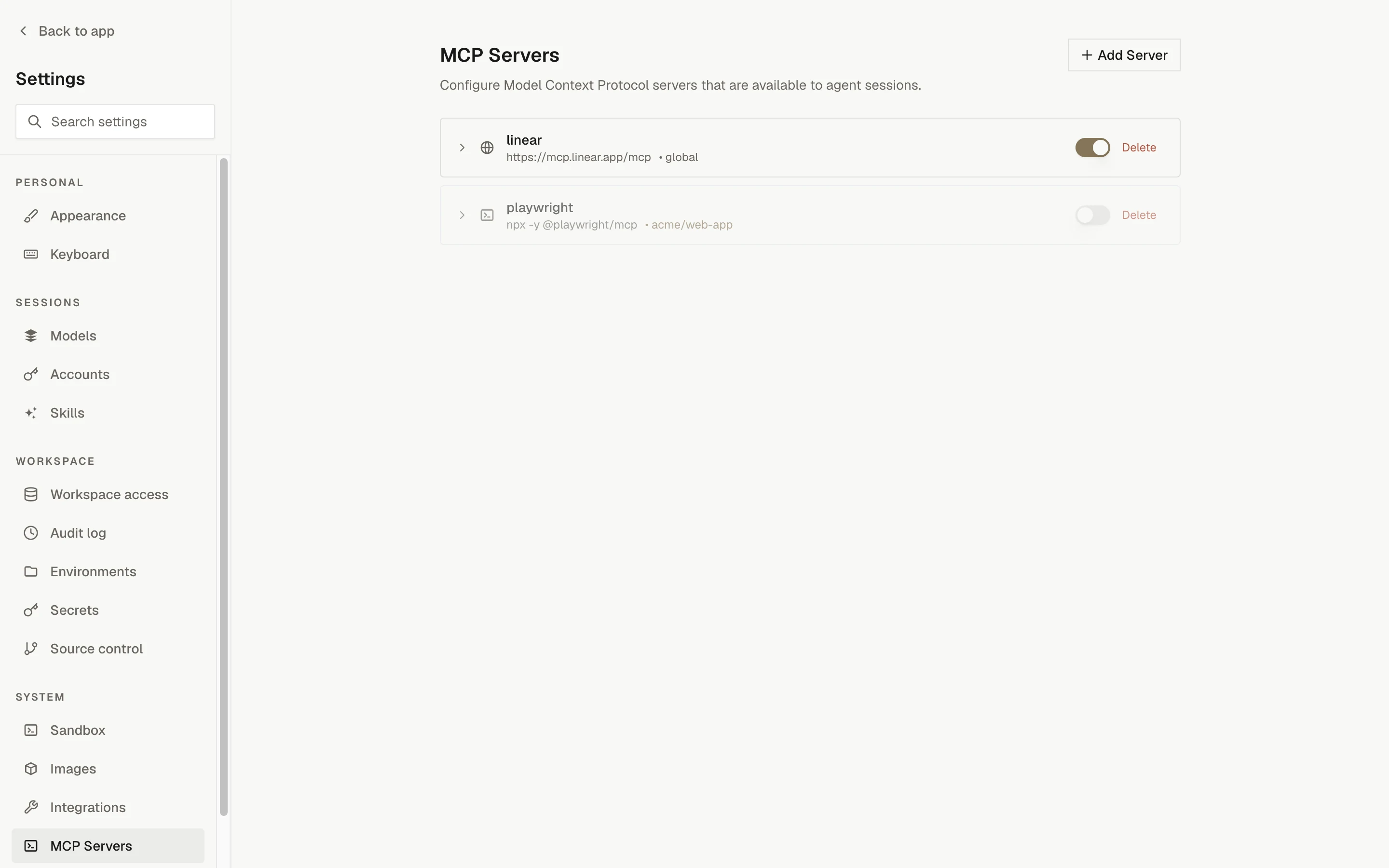
Go to Settings › MCP Servers and click Add Server; the New MCP Server form opens.
Name and type
Enter a name (for example playwright or context7) and choose Local or Remote.
Connection details
For a local server, enter the command as a space-separated command and arguments, such as npx -y @playwright/mcp. Use quotes for arguments that contain spaces. Optionally add Environment Variables as key and value rows.
For a remote server, enter the URL, such as https://mcp.example.com/sse. Optionally add HTTP Headers as name and value rows.
Availability and state
Choose "All repositories" (available in every agent session) or "Selected repositories only" and tick the repositories. Leave Enabled on, then click Add Server.
Server types
| Type | You provide | OpenInspect does |
|---|---|---|
| Local | A command as an argument list, plus optional environment variables | Prepares the package (for npx commands) and starts the process inside the sandbox |
| Remote | A URL, plus optional headers | Connects the agent to the URL from inside the sandbox |
Credentials you enter as environment variables or headers are stored encrypted on the server side. The settings page only reports whether a server has them; it never shows the values again. They are injected into the session when the server is prepared.
Scope and enablement
| Control | Effect |
|---|---|
| All repositories | The server is available in every agent session. |
| Selected repositories only | The server is available only in sessions for the chosen repositories. At least one must be selected. |
| Enabled switch | A disabled server stays configured but is not passed to any session. Toggle it from the list without opening the form. |
Edit a server from the list to change any field and click Save Changes. Deleting a server cannot be undone.
How servers reach the agent
- OpenCode: enabled servers in scope are written into the session's OpenCode configuration when the agent starts.
- Claude Agent: the same servers are passed through unchanged to the harness. OpenInspect's own tools reach Claude Agent through a built-in server named
oi, separate from the servers you register.
Server commands, arguments, and credentials are passed through as configured. Changes apply to new sessions; a running session keeps the server set it started with.
Startup cost of local servers
Before starting a local npx server, OpenInspect checks the sandbox's global npm installation. An exact package version that is already installed with intact executable links is reused, including after a snapshot restore. Only missing or mismatched packages are installed, and a failed or interrupted install is retried rather than treated as installed.
To remove that install from the first session's startup, pin the same version in the command and in the repository's .openinspect/setup.sh (or the setup hook used by its environment), then rebuild the prebuilt image:
# .openinspect/setup.sh
npm install --global @example/mcp-server@1.2.3
Configure the matching command as npx -y @example/mcp-server@1.2.3. MCP settings are not baked into images automatically; the setup script is what puts the package there. Changing the pinned version causes an install on every session until the image is rebuilt with the new version.
Unversioned packages are refreshed every boot
A command without a version, or with a tag such as latest, is refreshed once per sandbox boot.
The install is reused across agent restarts within that boot, but not across snapshot restores.
Pin a version if startup time matters.
Remote servers are unaffected by any of this. Unsupported npx option forms are left to npx without eager installation, so npx may still resolve registry metadata or populate its own cache.
See lifecycle scripts and prebuilt images for how setup.sh and image builds fit together.